
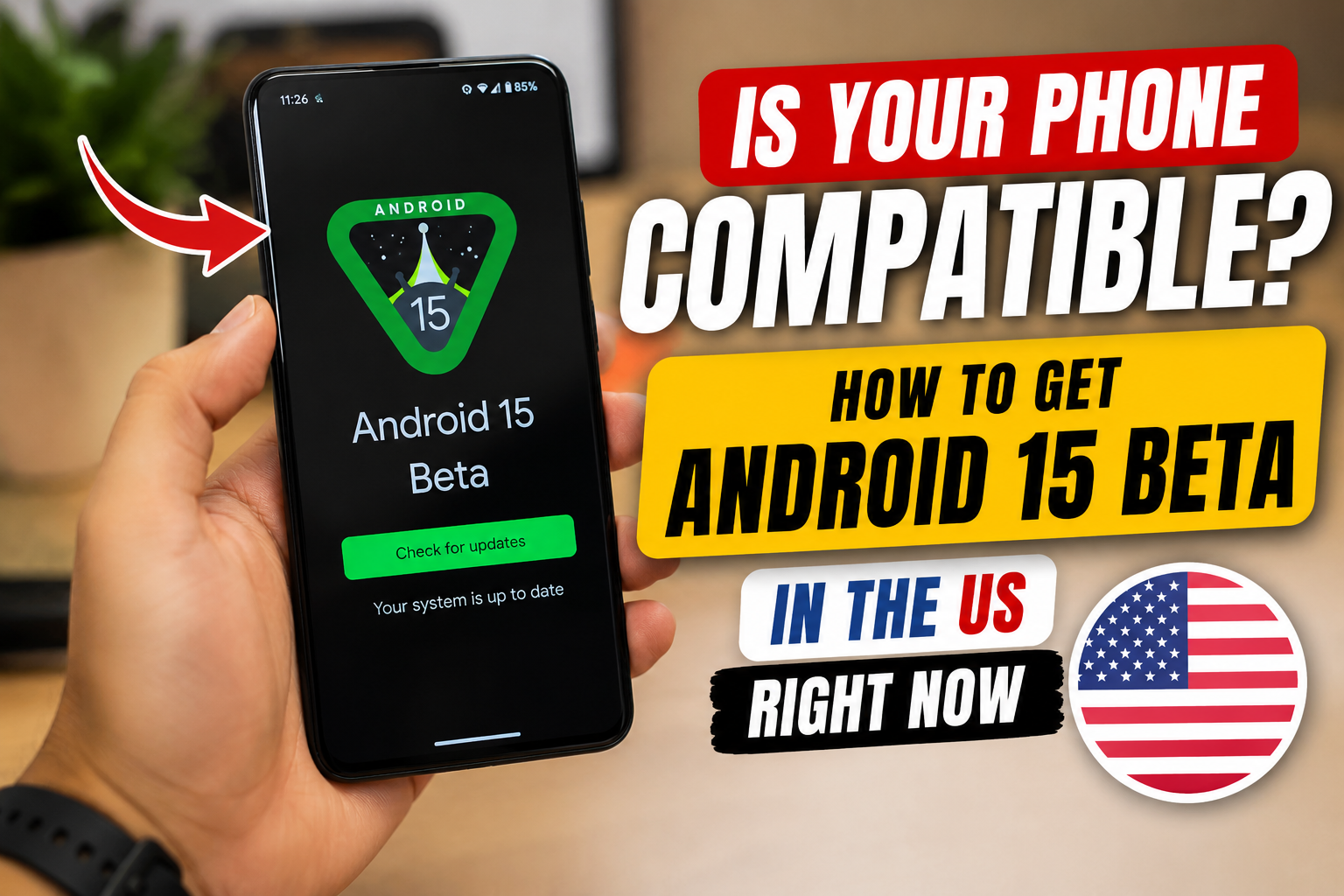
If you’ve been scrolling through tech TikTok or X this week, you’ve probably seen creators showing off Android 15’s new privacy dashboard, satellite messaging, and redesigned quick settings. The hype is real, and millions of US Android users are searching for one question: Can my phone run it?
Here’s exactly which devices are supported, how to safely install the Android 15 beta in the US, and what features you can actually use today.
🔍 What’s New in Android 15 & Why It’s Trending
Android 15 focuses on privacy, battery efficiency, and smarter notifications. Key upgrades include:
- Private Space: A hidden, secure folder for sensitive apps (banking, health, etc.)
- Notification Cooldown: Stops apps from spamming you with rapid alerts
- Satellite Messaging Support: Native SMS/RCS over satellite (carrier-dependent)
- Battery Health Dashboard: Tracks cycle count and long-term degradation
- Partial Screen Sharing: Share only one app instead of your entire screen
US users are flooding search engines because Android 15 marks the biggest privacy and battery overhaul since Android 13.
📱 Android 15 Compatibility List (Will Your Phone Run It?)
Android 15 beta is currently available for Pixel 6 and newer, plus select partner devices. Official stable rollout will expand to Samsung, OnePlus, Motorola, and more in late 2024.
✅ Currently Supported for Beta:
- Google Pixel 6, 6 Pro, 6a
- Google Pixel 7, 7 Pro, 7a
- Google Pixel 8, 8 Pro, 8a
- Google Pixel Fold & Pixel Tablet
- Select OnePlus, Xiaomi, and Nothing phones (via manufacturer beta portals)
❌ Not Supported Yet:
- Samsung Galaxy S21/S22/S23 series (stable update expected Q4 2024)
- Older Pixels (Pixel 5 and below)
- Budget/mid-range phones without OEM beta programs
Note: Compatibility expands monthly. Check your manufacturer’s developer site for updates.
📥 How to Install Android 15 Beta in the US (Step-by-Step)
⚠️ Warning: Beta software can cause app crashes, faster battery drain, or data loss. Back up your phone first.
- Visit the Android Beta Program: Go to google.com/android/beta on your phone.
- Sign In & Opt In: Use the Google account linked to your device and tap Opt In.
- Check for Updates: Go to Settings > System > System Update.
- Download & Install: Tap Download and Install. Keep your phone plugged in and on Wi-Fi.
- Rollback Option: If you experience major bugs, you can factory reset and return to Android 14 via the beta portal.
❓ FAQ: Android 15 Beta
Q: Is Android 15 beta safe for daily use?
A: It’s stable for most users, but expect minor bugs, occasional app incompatibility, and higher battery usage. Avoid installing on your primary work phone.
Q: Will Samsung phones get Android 15?
A: Yes. Samsung typically rolls out major Android updates 2–4 months after Google’s stable release. Expect One UI 7 (Android 15) in late 2024.
Q: Do I lose data installing the beta?
A: Opting in via the official beta program keeps your data intact. Rolling back to Android 14 requires a factory reset.
Q: Is Android 15 free?
A: Yes. All official Android updates are free for compatible devices.
📝 Final Thoughts
Android 15 is shaping up to be a must-have upgrade for US users who value privacy, battery life, and cleaner notifications. If you have a supported Pixel, the beta is easy to install. If not, the stable rollout is just around the corner.
Are you testing the beta or waiting for the stable release? Drop your phone model and thoughts in the comments!