
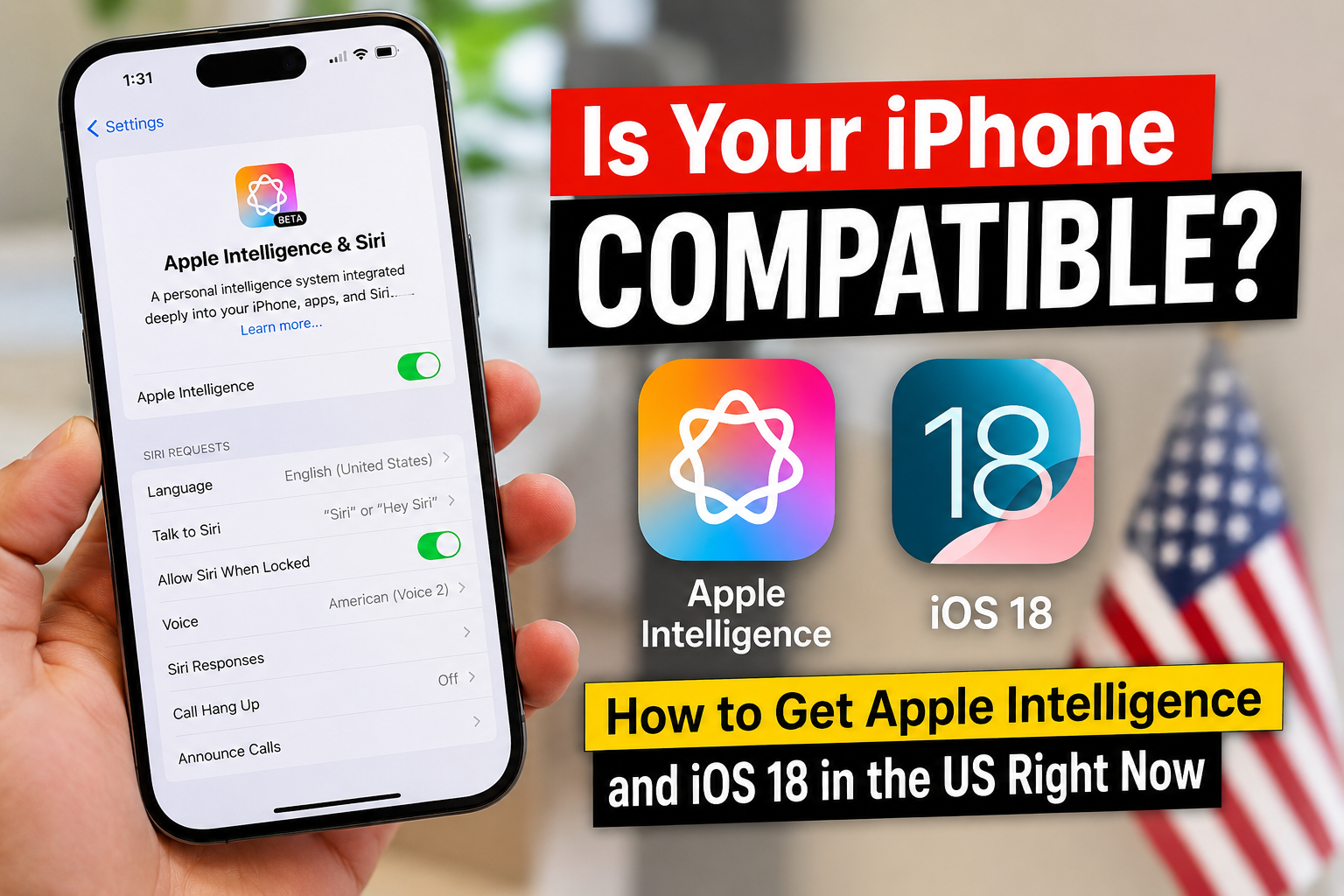
If you’ve scrolled through TikTok, X, or Reddit this week, you’ve probably seen creators showing off a smarter Siri, glowing screen edges, and AI-generated emojis. It’s all part of Apple Intelligence, Apple’s long-awaited entry into the AI space, launching alongside iOS 18.
With millions of Americans searching for compatibility lists and download guides, the hype is real. But there’s a catch: not every iPhone will run Apple Intelligence.
Here’s exactly which devices are supported, how to get iOS 18 in the US today, and what features you can actually use right now.
🔍 What Is Apple Intelligence & Why Is It Trending?
Apple Intelligence is Apple’s on-device AI system built directly into iOS, iPadOS, and macOS. Unlike cloud-only AI tools, it processes your data locally for better privacy and speed. Key features include:
- Rewrite & Summarize: Fix emails, condense long messages, or adjust tone with one tap.
- Priority Notifications: AI surfaces what actually matters and hides the noise.
- Genmoji & Image Playground: Create custom emojis and AI images instantly.
- Next-Gen Siri: Understands context, handles follow-up questions, and glows at the screen edges when active.
US tech enthusiasts are flooding search engines because Apple Intelligence marks the biggest iPhone software shift since iOS 14.
📱 Apple Intelligence Compatibility List (Will Your iPhone Run It?)
Apple Intelligence requires heavy on-device processing. That means only iPhones with the A17 Pro chip or newer can run it.
✅ iPhones That SUPPORT Apple Intelligence:
- iPhone 15 Pro
- iPhone 15 Pro Max
- iPhone 16 (all models)
- iPhone 16 Pro & Pro Max
❌ iPhones That WILL NOT Get AI Features:
- iPhone 15 & 15 Plus
- iPhone 14 series & older
- iPhone SE (all generations)
Note: These devices will still receive iOS 18, but Apple Intelligence features will be disabled.
📥 How to Download iOS 18 in the US (Step-by-Step)
Want to test iOS 18 before the official public rollout? Follow these steps to install the Public Beta safely.
⚠️ Warning: Beta software may cause battery drain or app crashes. Always back up your iPhone via iCloud or Finder first.
- Join the Apple Beta Program: Visit beta.apple.com on your iPhone and sign in with your Apple ID.
- Enable Beta Updates: Go to Settings > General > Software Update > Beta Updates and select iOS 18 Public Beta.
- Download & Install: Return to the Software Update screen, tap Download and Install, and keep your phone plugged in.
- Wait for Apple Intelligence: AI features roll out in iOS 18.1+. If you don’t see them immediately, they’ll appear in a follow-up beta update.
🌟 Top iOS 18 Features US Users Are Loving (Even Without AI)
If your iPhone doesn’t support Apple Intelligence, iOS 18 still delivers major upgrades:
- Free-Form Home Screen: Place apps anywhere, leave gaps, and align icons to your wallpaper.
- Tinted App Icons: Match your entire home screen to a single color theme.
- RCS Messaging: High-quality photos, typing indicators, and read receipts when texting Android users.
- App Lock & Hide: Secure sensitive apps with Face ID or hide them completely.
- Redesigned Control Center: Multi-page layout, resizable toggles, and third-party app support.
- Game Mode: Reduces background activity for smoother mobile gaming.
📅 When Is the Official iOS 18 & Apple Intelligence Release Date?
Apple typically releases major iOS updates in mid-September alongside new iPhones. Apple Intelligence features will roll out in phases, starting with US English in iOS 18.1 (expected October 2024), with additional languages and tools arriving through 2025.
Tip: Turn on Settings > General > Software Update > Automatic Updates to get the stable version the minute it drops.
❓ FAQ: Apple Intelligence & iOS 18
Q: Will iPhone 14 get Apple Intelligence?
A: No. Apple Intelligence requires the A17 Pro chip or newer. iPhone 14 models will run iOS 18 but without AI features.
Q: Is the iOS 18 beta safe for daily use?
A: The Public Beta is relatively stable, but expect minor bugs, faster battery drain, and occasional app crashes. Avoid installing it on your primary work phone.
Q: Do I need to pay for Apple Intelligence?
A: No. Apple Intelligence is free for all compatible devices and built directly into iOS 18.1+.
Q: Will Apple Intelligence work on iPad or Mac?
A: Yes. iPads with M1 chips or newer, and Macs with M-series chips, will support Apple Intelligence in iPadOS 18 and macOS Sequoia.
📝 Final Thoughts
Apple Intelligence is reshaping how US users interact with their iPhones, but hardware limits mean only the newest models will unlock the full experience. Whether you’re upgrading for AI or just want iOS 18’s customization upgrades, now is the perfect time to prepare your device.
Will you upgrade your iPhone for Apple Intelligence, or stick with your current model? Drop your thoughts in the comments below!